 Back
Back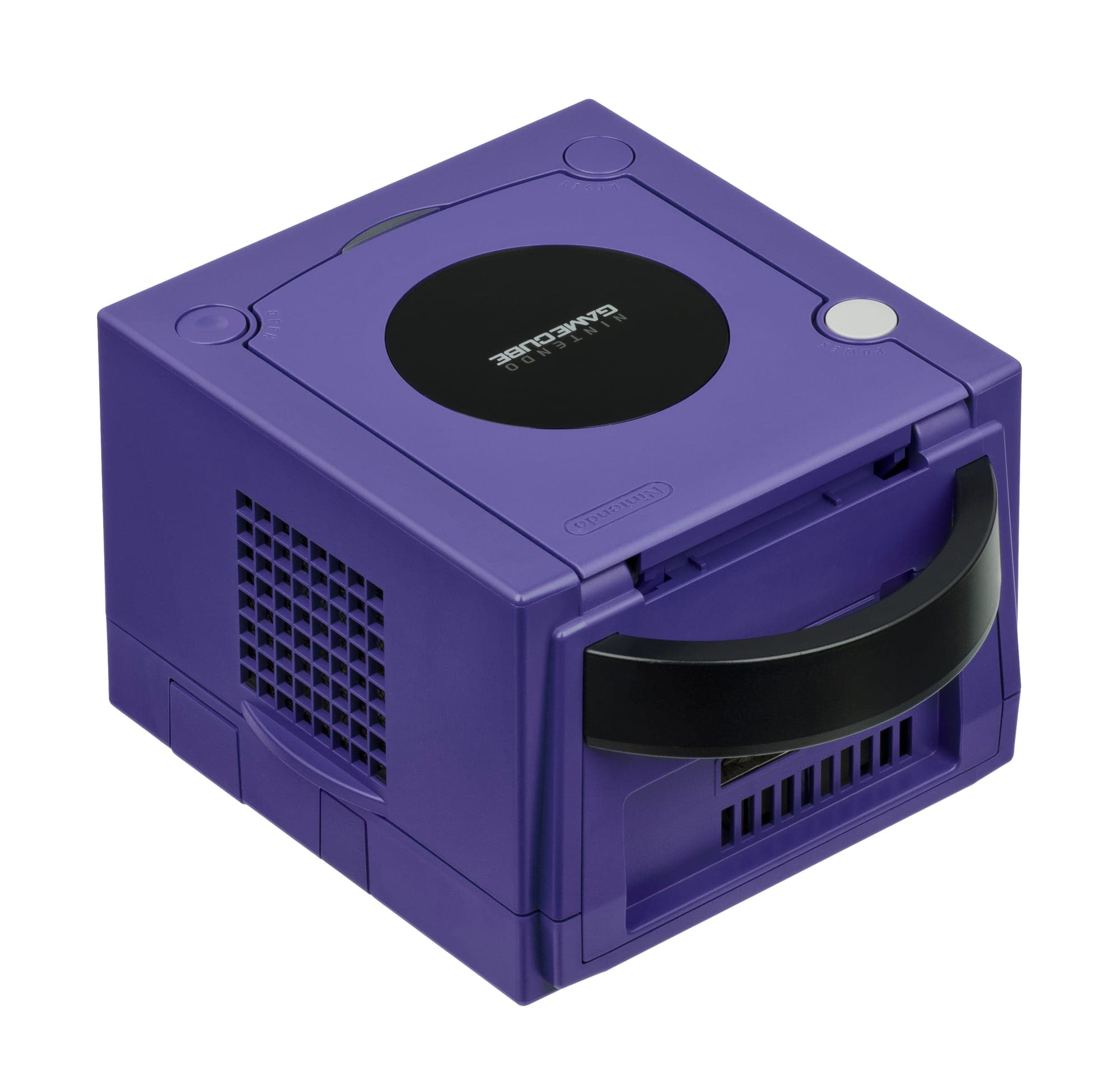
The Four GameCube Add-Ons Collectors Actually Hunt
The listing photo shows a Game Boy Player still clipped under an indigo GameCube, and the headline says "complete". Scroll through all eight photos. No disc. That little 8 cm boot disc is the whole ballgame, and it's missing from more listings than any other piece of GameCube kit.
The GameCube's accessory lineup is small but brutal for completists: nearly every essential add-on has one component that quietly walks away over two decades. Here's what to hunt, and exactly what to check before you pay.
Why the Start-Up Disc outranks the Game Boy Player itself
The Game Boy Player (model DOL-017) locks onto the hi-speed parallel port under the console and runs original Game Boy, Game Boy Color and Game Boy Advance cartridges on your TV. It's genuinely great hardware – there's real GBA silicon inside, not emulation. But out of the box it does nothing without the Game Boy Player Start-Up Disc, the mini disc that boots the whole thing.
The units survived in huge numbers because they attached to the console and stayed there. The discs got shelved with the game pile, lent out, or lost – so loose Players vastly outnumber complete sets, and the disc routinely trades for more than the hardware it boots. Discs are region-matched too: a PAL console wants a PAL disc. When you see a Game Boy Player listed, the disc question is the first one to ask.
- Completeness: unit plus region-correct Start-Up Disc; box and manual only if you're paying boxed money.
- Condition: check the cartridge slot pins and ask whether the console's original port cover is included – it comes off during install and rarely comes back.
- Workaround: homebrew like Game Boy Interface can boot a disc-less unit via Swiss, but that's a modding project, not a substitute for completeness.
The component cable hid a DAC inside the plug
Nintendo's component cable (DOL-010) only works on early consoles. It plugs into the Digital AV Out port that DOL-001 units carry – and that the later DOL-101 revision deleted entirely. The digital-to-analogue conversion happens on a chip inside the plug housing itself, which is why the cable was never cheaply cloned in its day and why supply never came close to demand.
It was sold mainly through Nintendo's own online store rather than shop shelves, so it was scarce even when new. With it, NTSC titles that support progressive scan will offer 480p if you hold B as the game boots. PAL collectors should temper expectations: PAL discs rarely shipped with 480p support, and the classic PAL image-quality route was RGB SCART instead.
- Check the console first: no Digital AV Out port on the back means no component video. Ever.
- Check the plug: the DAC lives in that housing – a crushed, cracked or "repaired" plug is a dead cable, whatever the seller says.
- Know the alternative: modern HDMI adapters use the same digital port for far less money, so buy a DOL-010 as a collector, not as the cheapest route to a sharp picture.
The broadband adapter and the LAN parties nobody threw
The broadband adapter (DOL-015) slots into Serial Port 1 on the underside. Officially it mattered for a handful of games: Phantasy Star Online Episode I & II online, plus LAN modes in Mario Kart: Double Dash!!, Kirby Air Ride and 1080° Avalanche. That thin library kept it niche at retail – which is exactly why it's a hunt now.
Today it earns its keep with homebrew: network game loading through Swiss made the BBA quietly indispensable to the modding crowd, and that put real pressure on surviving stock. Don't confuse it with the near-identical modem adapter (DOL-014), its dial-up sibling, which is far less useful.
- Check the model number: DOL-015, not DOL-014 – sellers mix them up constantly, and the photos often don't show the label.
- Condition: bent pins in the ethernet jack and cracked mounting clips are the usual failures.
- Bonus points: the console's little Serial Port 1 cover, which vanishes the day the adapter goes in.
WaveBird: the controller survives, the receiver walks
The WaveBird (DOL-004) was Nintendo's first proper wireless controller, launched in 2002 – RF rather than infrared, so no line-of-sight nonsense – running on two AA batteries with a 16-channel dial and, famously, no rumble motor. Grey and platinum are the colours you'll actually see.
Every WaveBird needs its receiver (DOL-005), the small dongle that sits in a controller port, set to the same channel as the pad. Controllers survive; receivers disappear into drawers. A WaveBird without its receiver is a handsome paperweight, yet plenty are listed exactly that way. Always ask for a photo of the dongle.
- Completeness: controller plus receiver, with channel dials that turn and click cleanly on both.
- Condition: the usual GameCube stick wear – a loose or drifting analogue stick – plus corrosion on the battery terminals under the AA cover.
- Test if you can: matched channels should pair instantly; flaky response usually means the dial, not the batteries.
Notice the pattern: on the GameCube it's never the plastic that's rare, it's the enabler – the disc, the dongle, the port on the console itself. So flip your hunting order. Verify the small stuff first, pay for the small stuff, and treat the big grey hardware as the bonus that comes with it. And if you're the one person who thinks a disc-less Game Boy Player is still a smart buy, I'd genuinely love to hear the maths.


