 Back
Back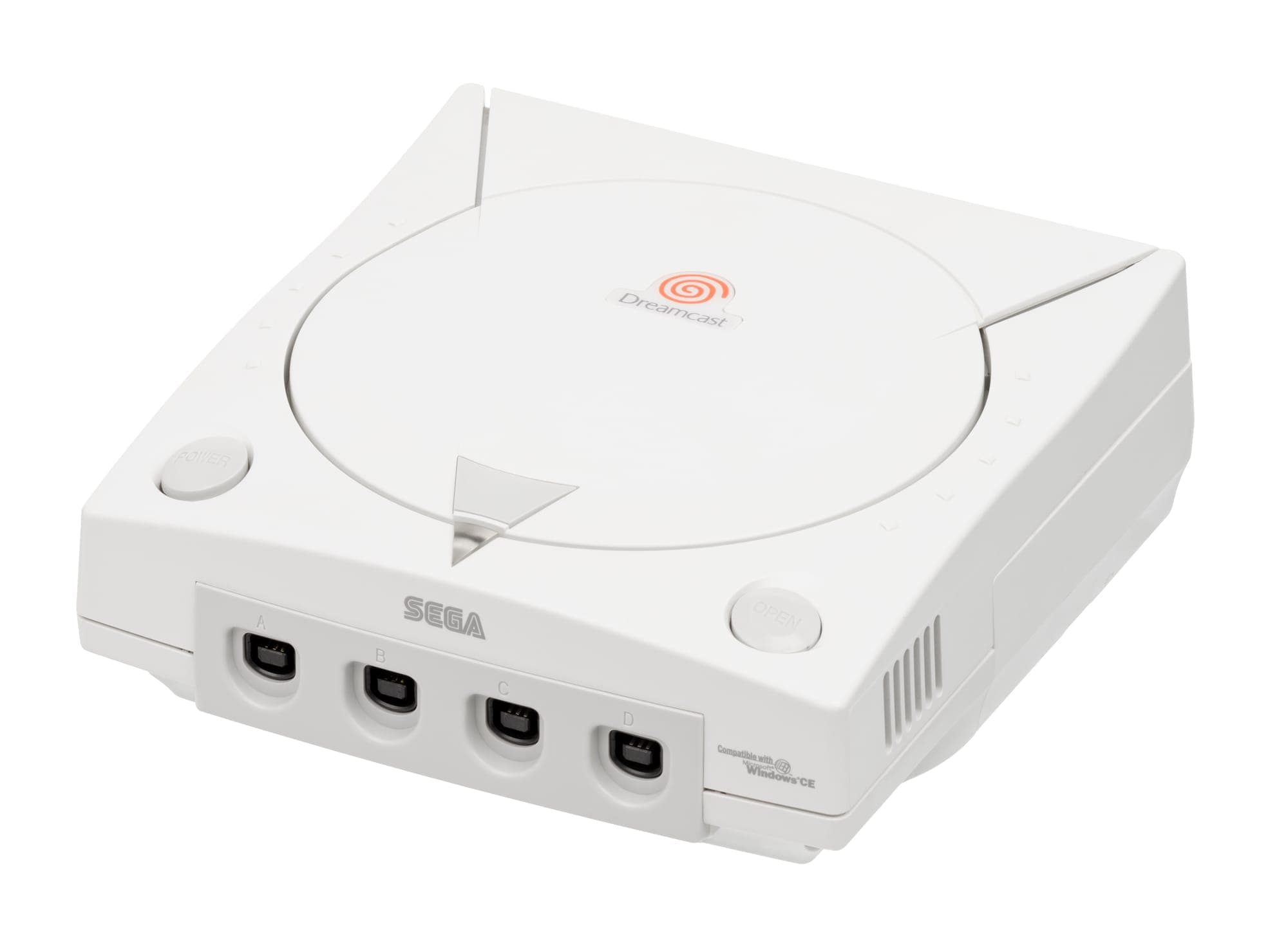
What Actually Fails on a Dreamcast, and How to Spot Fakes
That indignant double-beep when you flip the power switch isn't a fault. It's the VMU in port A announcing that its two CR2032 batteries died years ago, and it's the perfect introduction to Sega's last console: on a Dreamcast, almost nothing fails silently. Whether you're buying your first unit, maintaining a shelf of them, or getting one ready to sell, the machine will tell you what's wrong – if you know what to look and listen for.
The GD-ROM drive tells on itself – so listen
The proprietary GD-ROM drive decides whether a console is a player or a parts machine. A healthy drive spins up, seeks once or twice, and settles into a steady hum. A dying one hunts: endless clunking re-seeks, games hanging on loading screens, discs that boot on the third attempt but not the first. Worn laser pickups cause most of it, and while hobbyists nudge the laser's potentiometer to buy time, that's a band-aid on a wearing part.
Test with an actual GD-ROM title, not a music CD – audio discs only exercise the drive's conventional CD mode and prove nothing about the high-density reading games depend on. Something cheap and common like Sega's own Virtua Striker 2 makes ideal drive-test fodder. And check the drive is original at all: optical drive emulators like the GDEMU replace the whole assembly with an SD card slot. It's a great mod, but honest sellers disclose it, and originality-minded collectors should peek under the lid before assuming.
While you're testing, plug a controller into all four ports. A blown fuse near the controller ports is a classic Dreamcast fault that kills every port at once – a trivial fix for anyone with a soldering iron, and a nasty surprise for anyone without one.
VMUs and controllers: where the small deductions hide
The VMU is a tiny console in its own right, with a 48×32 monochrome LCD and its own D-pad. The batteries only power that standalone mode – saves work fine without them – so ignore the boot beep and inspect the screen instead. Missing rows, faded segments, and bleeding patches are permanent; fresh CR2032s won't resurrect dead pixels.
The standard HKT-7700 controller wears in three predictable places:
- Triggers – the analog L and R triggers ride on plastic guides that wear and crack. A good trigger travels smoothly and snaps back; a tired one grinds or sticks.
- Analog stick – the thumb pad's texture wears smooth, and exhausted sticks feel loose against the rim or sit off-centre.
- Cable – Sega routed it out of the bottom edge, so it spends its entire life bent back toward the console. Check the strain relief for splits.
Racing games are controller killers – years of held-down analog triggers – so if a bundle includes something like Bizarre Creations' Metropolis Street Racer, assume the pads worked for a living and test them twice.
The console that plays its own bootlegs
Here's the Dreamcast's defining authenticity problem: it boots burned CD-Rs out of the box. Sega built in support for MIL-CD, a multimedia disc format, and once the scene worked out how to exploit it, self-booting copies spread everywhere – no mod chip required. Only the very last production revisions closed the loophole. Decades later, home-burned discs still turn up constantly in job lots and 'untested' bundles.
Telling a burn from the real thing is mercifully easy:
- Flip the disc over. A genuine GD-ROM shows two visibly distinct data bands – a conventional inner region and a denser outer one, with a clear seam between them. A CD-R is uniform, usually with a green, blue, or purple dye tint.
- Read the hub. Official discs carry GD-ROM markings and Sega ring codes around the centre; burns have blank recordable hubs – or handwriting.
- Check the label side. Real releases are silkscreen printed. Marker pen, inkjet stickers, and printable white tops are instant giveaways.
- Distrust 'too complete' rarities. If the disc is fake, the photocopied inserts usually are too.
What complete actually means in a jewel case
Dreamcast games shipped in brittle jewel-style cases, and CIB means more than disc-plus-cover:
- Manual – on most Western releases the manual sits in the front of the case and doubles as the cover art. No manual, no face.
- Rear insert – the back artwork slides beneath the tray, and it quietly wandered off decades ago in a lot of the copies you'll meet. Make sure it's present and matches the region.
- The case itself – clear plastic clouds into a milky haze and the hinge teeth snap. An unclouded, uncracked original case is often harder to find than the game inside it.
- Region details – PAL releases wear Sega Europe's blue-trimmed cover template, and Japanese releases often include a spine card that collectors expect to see intact.
Here's the hot take to argue with: a GDEMU-modded Dreamcast with a mint shell is the better machine to actually play, and the stock-drive purists quietly know it. But collecting is about the object, not just the output – and nothing on a shelf says 9.9.99 like an original drive spinning a real GD-ROM. So which one are you keeping: the player or the artefact?


